Emotile
Turn photos into emoji mosaics.
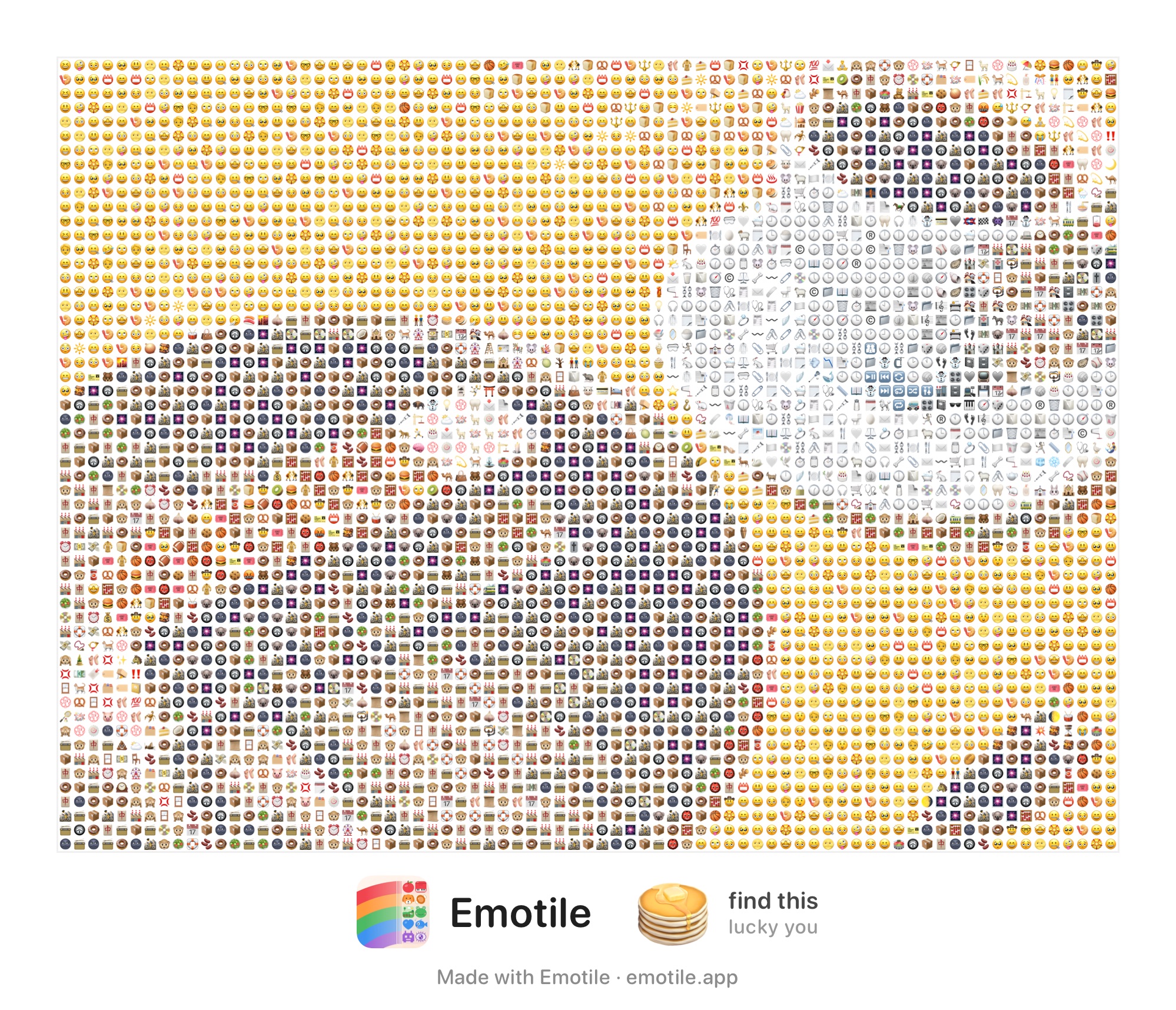
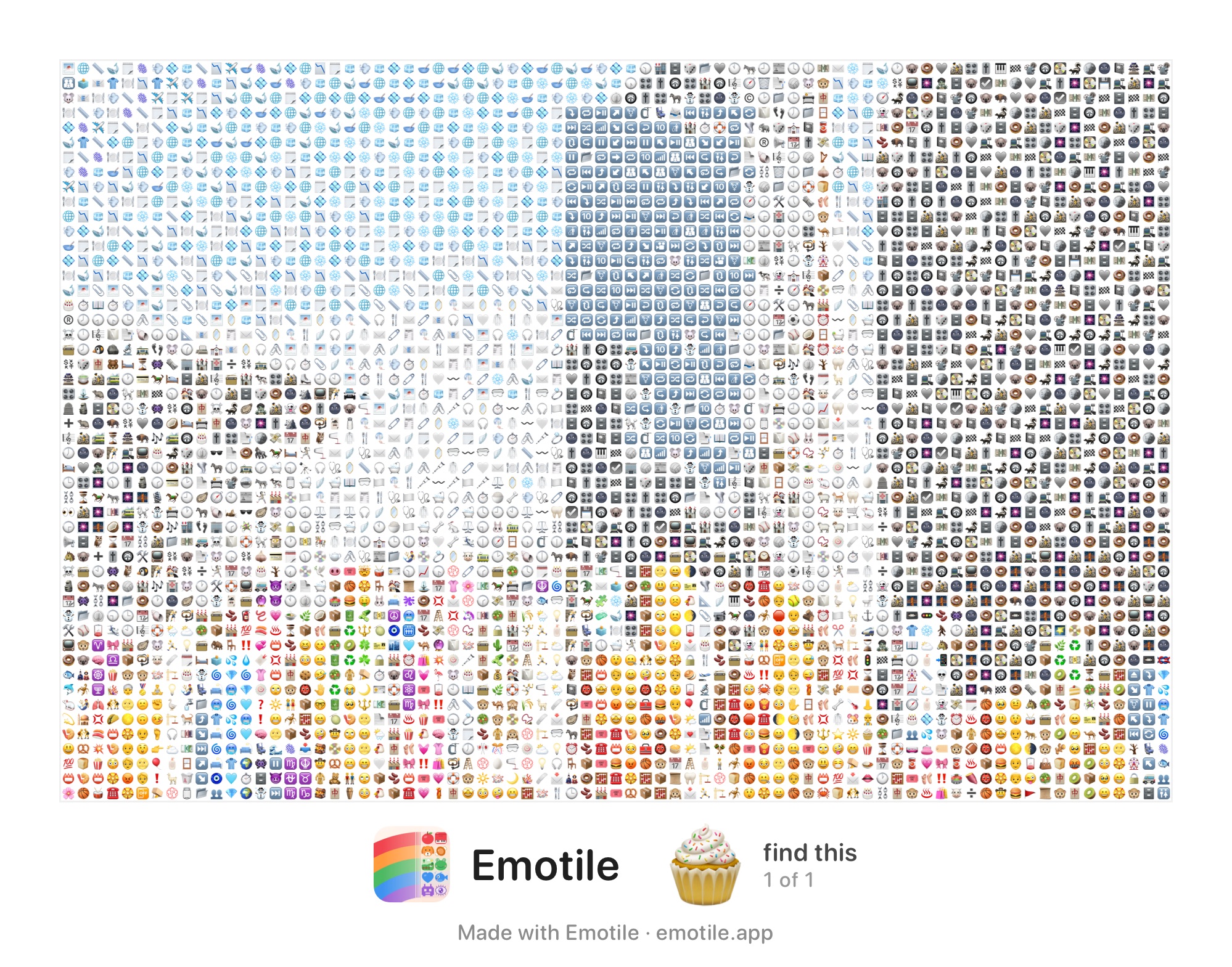
Just pick a photo. Emotile hand-picks the emoji whose color and shape fit each tile, and rebuilds your photo as a mosaic of thousands of emoji.

Turn photos into emoji mosaics.
Just pick a photo. Emotile hand-picks the emoji whose color and shape fit each tile, and rebuilds your photo as a mosaic of thousands of emoji.
Look closely — every tile is a real emoji. Tap a sample to zoom in and spot each ⏰🐭📁. Works just as well with your pet, your fave, or a selfie.
Drag the handle. The tiles are never recolored — the mosaic is built only from real emoji whose own colors match the photo.


For every tile, Emotile searches for the emoji that best matches the color and shape. Shuffle for a whole new arrangement of the same photo.
Tiles are never tinted or filtered. Real emoji, honestly arranged — that’s the Emotile way.
Mono, sepia, vivid, neon and more. Filters shift the photo’s colors to steer which emoji get chosen.
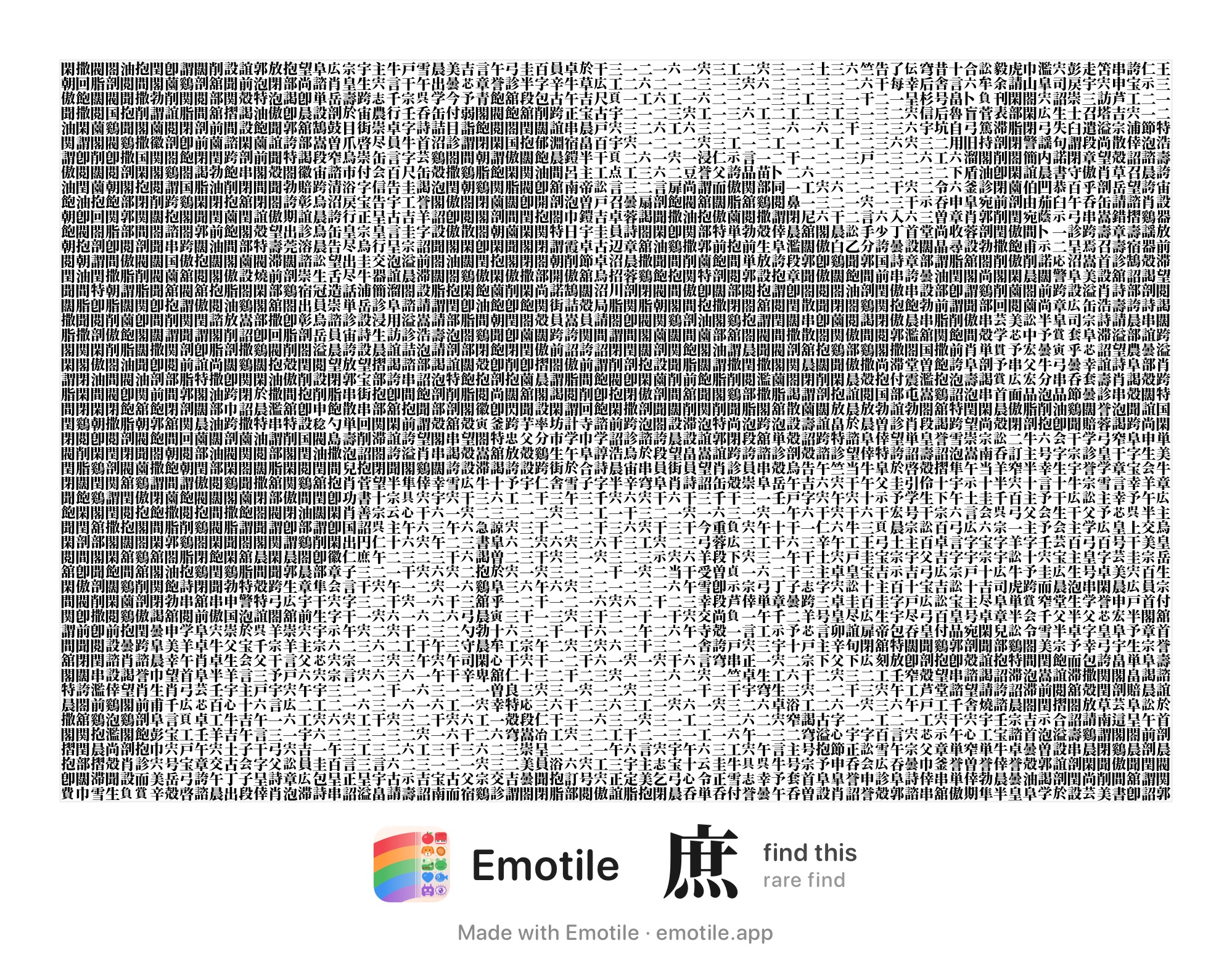
Draw with kanji, letters, dot patterns, hieroglyphs or cuneiform instead of emoji — monochrome mosaics of type.
One emoji appears exactly once in each artwork. Follow the hint on the frame and try to find it.
Everything runs on-device. Your photos are never uploaded anywhere.
Core features are free. Unlock everything with a one-time purchase — no subscription.
Choose from your library or shoot one. You can also convert straight from the Photos share sheet.
Adjust detail, emoji sets, color filters and cropping with quick sliders and chips.
Export in high resolution for social media, or copy the mosaic as emoji text.
Your next photo, in emoji.
Scroll or pinch to zoom · drag to pan · double-tap to toggle